Top 5 Android Tablets in 2026 — From Budget to Pro Drawing Power
Five Android tablets, five very different budgets — from a sub-$100 everyday slate to a professional drawing tablet that costs more than the other four combined. We counted them down from #5 to #1 with the honest trade-off of each pick stated plainly, so you can buy the right tablet for what you actually do with it.
Ulefone Tab A12 Pro
A solid mid-range tablet — but read the fine print on both its memory and its review score before you buy.
Product Overview
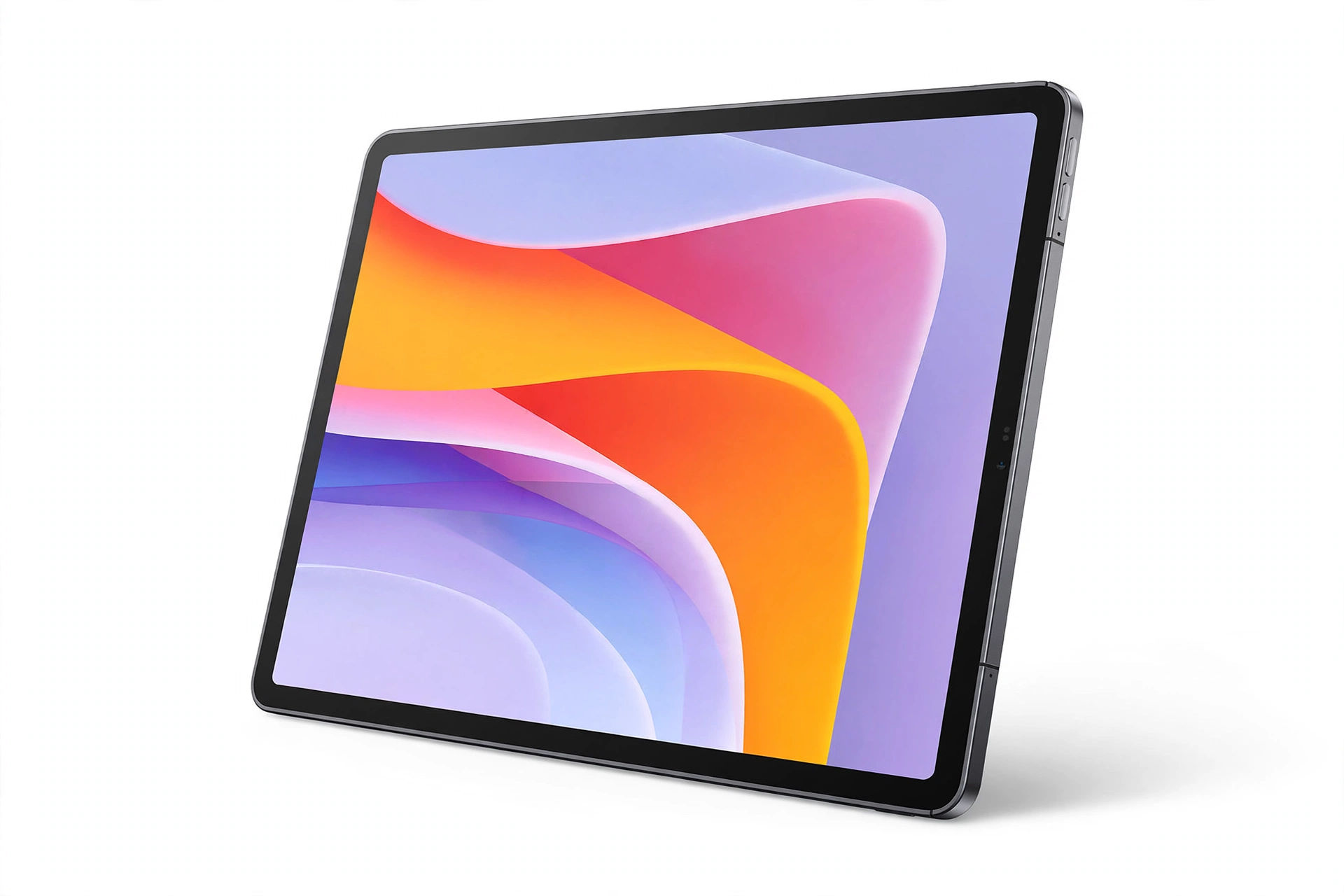
The Ulefone Tab A12 Pro sits in the middle of this list in both price and ambition. At a listed $199.99, it is built for the everyday jobs most people actually give a tablet: video streaming, web browsing, reading, and casual apps. The headline memory figure needs decoding — the listing describes 16GB, but that is 8GB of physical RAM plus 8GB of virtual RAM, so judge its multitasking as an 8GB tablet in real-world terms. That is not a deal-breaker at this price, but it is exactly the kind of listing detail worth knowing before you buy.
Key Features
- Mid-range price, everyday performance — At $199.99 it undercuts the Samsung on this list while offering the same everyday job description: streaming, browsing, and casual use.
- Listed 16GB memory (8GB + 8GB virtual) — The split matters. Physical RAM is what keeps apps alive in the background; virtual RAM is slower overflow. Expect solid single-task performance and modest multitasking.
- Full Android tablet experience — A standard Android slate for the Google Play ecosystem, without the premium price of a flagship brand.
Specifications
| Brand | Ulefone |
|---|---|
| Model | Tab A12 Pro |
| Memory | 16GB listed (8GB physical + 8GB virtual RAM, as listed) |
| Listed price | $199.99 |
| Review sample | Very small at roundup time (13 ratings) — treat the score as early feedback |
Who Should Buy It?
- Buyers who want a capable everyday tablet without paying the Samsung premium
- Streamers and readers who mostly use one app at a time
- Anyone comfortable buying on specifications while the review history is still thin
Who Should Avoid It?
- Skip it if you need a proven track record — 13 ratings is a very thin history
- Heavy multitaskers should note the real 8GB physical RAM figure
- Buyers who want the widest support network should look at the Samsung below
Pros & Cons
Pros
- $199.99 mid-range price for everyday tablet jobs
- Full Android experience with Google Play access
- Capable for streaming, browsing, and reading
Cons
- Listed 16GB memory is really 8GB physical + 8GB virtual
- Review score rests on a tiny sample (13 ratings at roundup)
- Smaller brand with a thinner support network than Samsung
Listed at $199.99 at the time of research. Pricing can change, so check the latest retailer price before buying.
Samsung Galaxy Tab A11+
The pick for buyers who want the least risk: a mainstream brand, a wider support network, and a polished everyday experience.
Product Overview
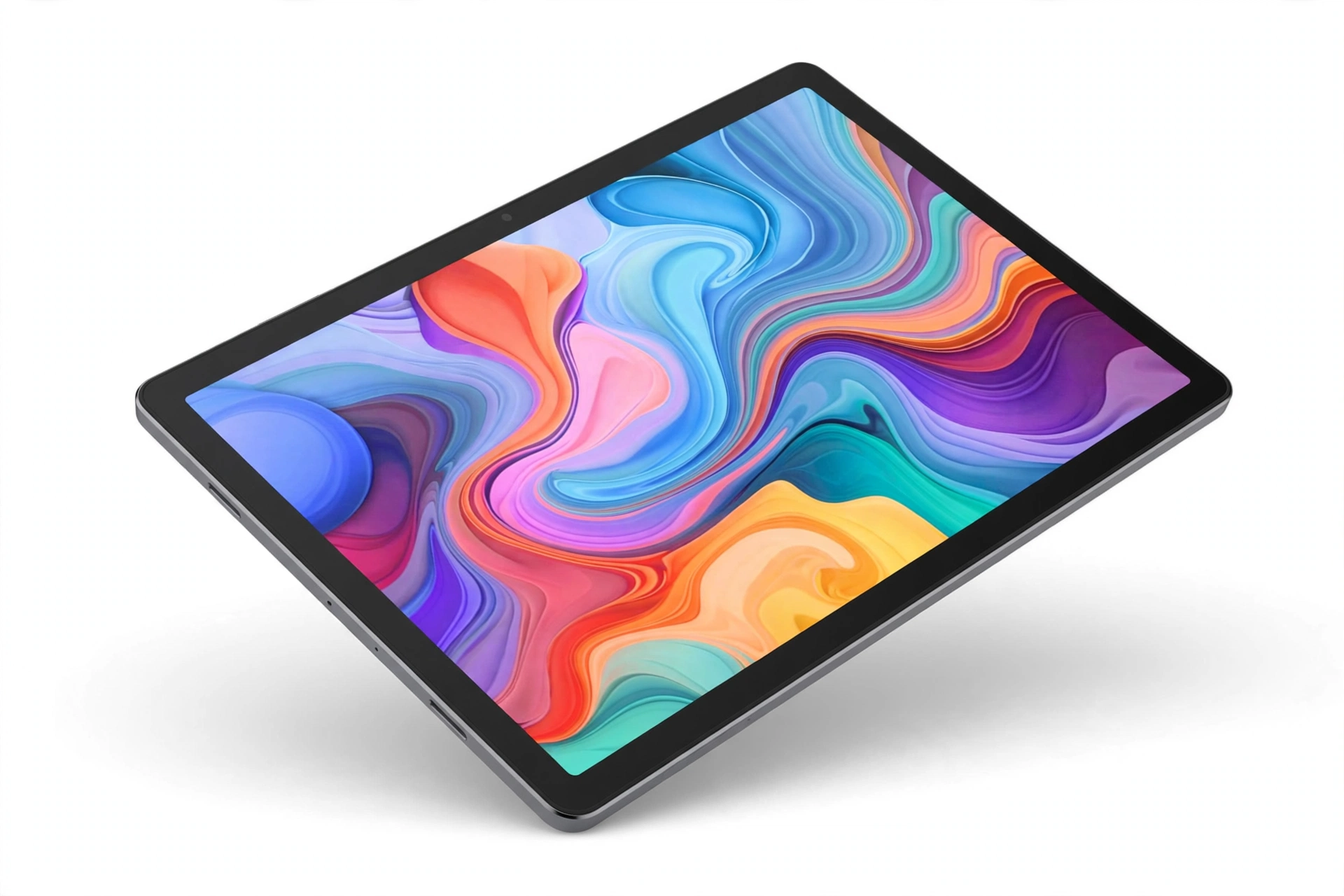
At a listed $299.99, the Galaxy Tab A11+ is the safe mainstream pick of this countdown. It does the same everyday jobs as the cheaper tablets here — streaming, browsing, reading, casual apps — but wraps them in Samsung's ecosystem: longer software support windows, better accessory availability, and a service network that budget brands cannot match. For first-time tablet buyers, for family use, or for anyone who simply does not want to think about the brand behind the screen, that safety has real value. The trade-off is straightforward: you pay roughly $100–$200 more than the budget picks for reassurance rather than raw performance.
Key Features
- Samsung support and software longevity — The strongest reason to buy this over a cheaper badge: longer updates and a real support network behind the product.
- Polished everyday experience — Samsung's Android skin and app ecosystem make the out-of-box experience smoother for non-technical buyers.
- Mainstream accessory availability — Cases, chargers, and accessories for a Galaxy tablet are easy to find anywhere.
Specifications
| Brand | Samsung |
|---|---|
| Model | Galaxy Tab A11+ |
| Listed price | $299.99 |
| Positioning | Mainstream everyday tablet with brand support |
Who Should Buy It?
- First-time tablet buyers who want the safest choice
- Families and non-technical users who value support and updates
- Buyers who want easy accessory availability
Who Should Avoid It?
- Skip it if budget is the priority — the TECLAST below does the basics for far less
- It may not make sense for professional drawing; that is the Wacom's job
Pros & Cons
Pros
- Strongest brand support and software longevity on this list
- Polished, beginner-friendly everyday experience
- Wide accessory and service availability
Cons
- $299.99 is a clear premium over the budget picks
- No professional drawing capability like the Wacom
- Everyday performance, not a performance tablet
Listed at $299.99 at the time of research. Pricing can change, so check the latest retailer price before buying.
TCL TAB 10 Gen 4
The balanced middle of the list: a capable everyday tablet at a mid-range price, without pretending to be something it is not.
Product Overview
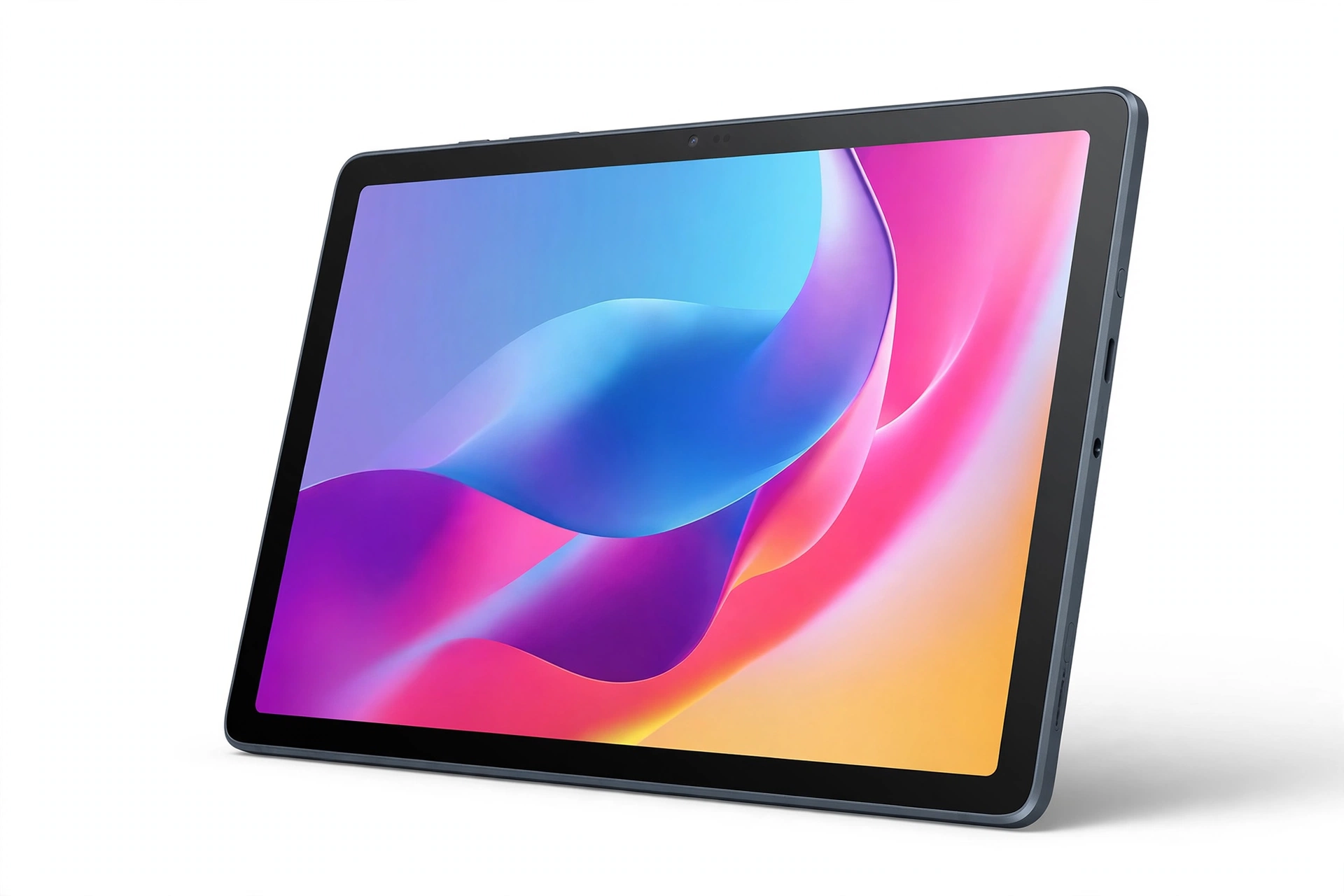
At a listed $149.98, the TCL TAB 10 Gen 4 is the balanced pick of this countdown. It covers the standard everyday tablet jobs without the premium of the Samsung badge and without the rock-bottom compromises of the cheapest slates. For buyers who want a straightforward tablet for media and light use at a fair price, this is the middle ground that makes sense — not the most exciting pick on the list, but arguably the easiest one to justify.
Key Features
- Mid-range price, everyday capability — At $149.98 it sits almost exactly halfway between the budget TECLAST and the Samsung, and its job description matches: media, reading, browsing, casual apps.
- Straightforward Android tablet — No specialist angle, no pro pretensions — a clean everyday slate for the Google Play ecosystem.
- Fair value positioning — You are not paying for a brand premium here, nor are you scraping the bottom of the market.
Specifications
| Brand | TCL |
|---|---|
| Model | TAB 10 Gen 4 |
| Listed price | $149.98 |
| Positioning | Balanced everyday tablet |
Who Should Buy It?
- Buyers who want a fair-priced everyday tablet without brand premium
- Streamers and readers who want a bigger screen for media
- Anyone who finds the budget pick too cheap and the Samsung too dear
Who Should Avoid It?
- Skip it if you need professional drawing — that is the Wacom's job
- It may not make sense if you want the widest support network; see the Samsung
Pros & Cons
Pros
- $149.98 balanced price for everyday use
- No-nonsense everyday tablet, no pro pretensions
- Good middle ground between budget and brand premium
Cons
- Not a performance or drawing tablet
- Thinner support network than Samsung
- Middle-of-the-road in every way — nothing standout
Listed at $149.98 at the time of research. Pricing can change, so check the latest retailer price before buying.
TECLAST P30T
The budget pick of this countdown — the lowest price on the list by a clear margin, and the value story of the whole comparison.
Product Overview
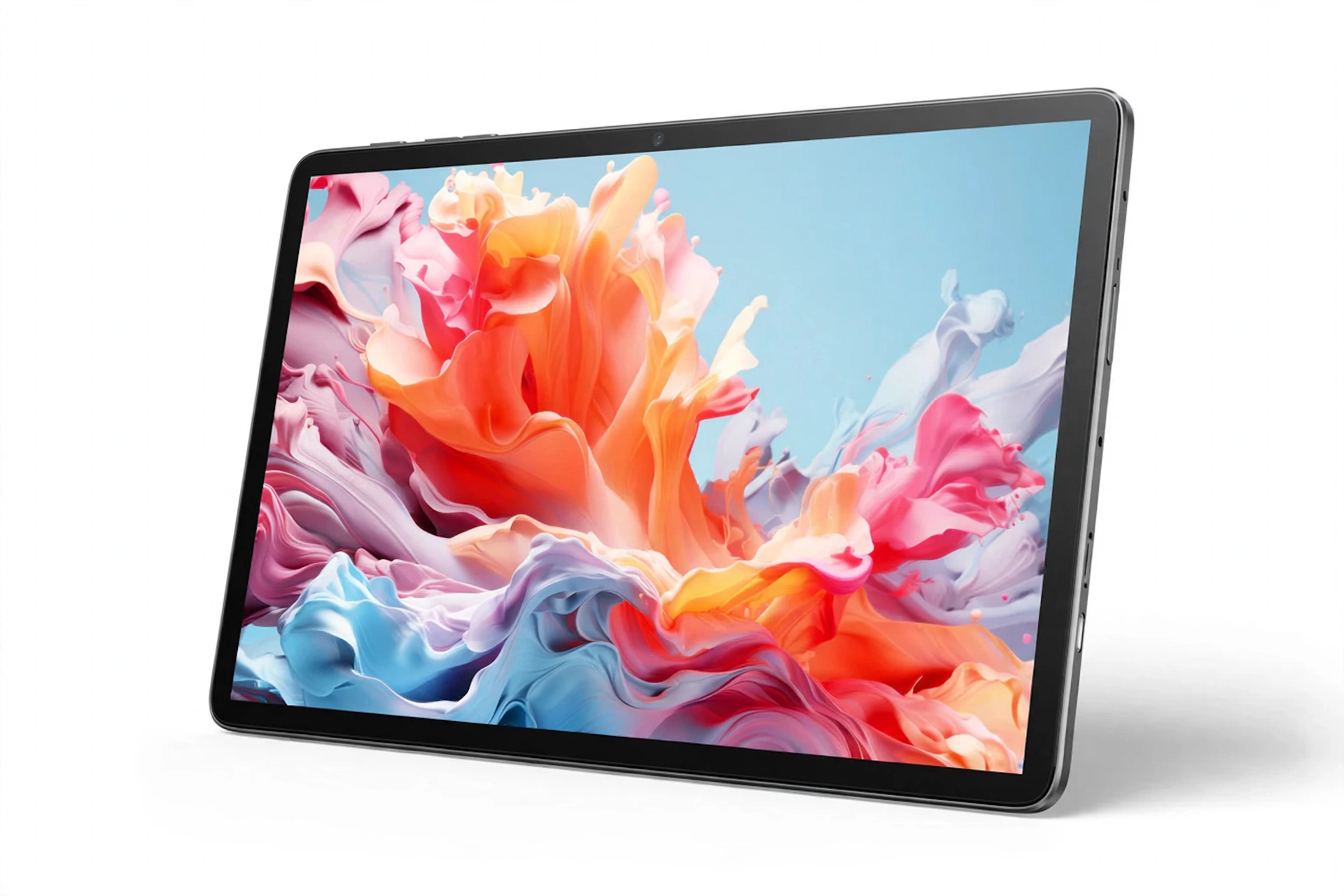
The TECLAST P30T is the cheapest tablet on this list by a wide margin — $89.98 against $149.98 for the next-cheapest pick. That price gap is the whole story: for basic streaming, browsing, reading, and casual apps, it delivers the core tablet experience for less than a family dinner out. Buyers should keep expectations in line with the price — demanding games, heavy multitasking, and professional work are not its job. But for a kids' tablet, a kitchen tablet, a travel media slate, or a first tablet to test whether you even use one, it is very hard to argue with the price.
Key Features
- $89.98 — the lowest price here by far — Roughly 40% cheaper than the next pick up the list, which makes it the obvious value play.
- Everyday basics covered — Streaming, browsing, reading, and casual apps are exactly what a budget slate is for, and this one is priced for exactly that.
- Low-risk first tablet — At this price, it is a cheap way to find out how much you actually use a tablet before spending more.
Specifications
| Brand | TECLAST |
|---|---|
| Model | P30T |
| Listed price | $89.98 |
| Positioning | Budget everyday tablet |
Who Should Buy It?
- Budget buyers who need the cheapest credible everyday tablet
- Kids, kitchen, or travel media use where a premium tablet would be wasted
- First-time buyers testing whether they use a tablet at all
Who Should Avoid It?
- Skip it if you need performance, heavy multitasking, or professional drawing
- It may not make sense as a primary work device
Pros & Cons
Pros
- $89.98 — the lowest price on this list by a clear margin
- Covers everyday basics: streaming, browsing, reading
- Ideal as a kids', kitchen, or travel tablet
Cons
- Not a performance tablet — keep expectations realistic
- Budget brand with a thinner support network
- Not suited to professional or heavy workloads
Listed at $89.98 at the time of research. Pricing can change, so check the latest retailer price before buying.
Wacom MovinkPad Pro 14
The #1 pick — and a different kind of product from everything else here: a professional drawing tablet that happens to run Android.
Product Overview
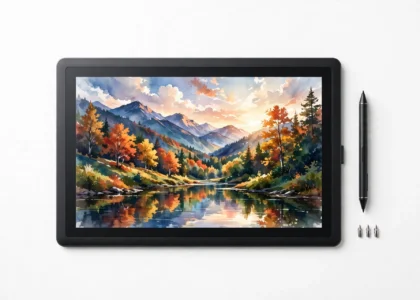
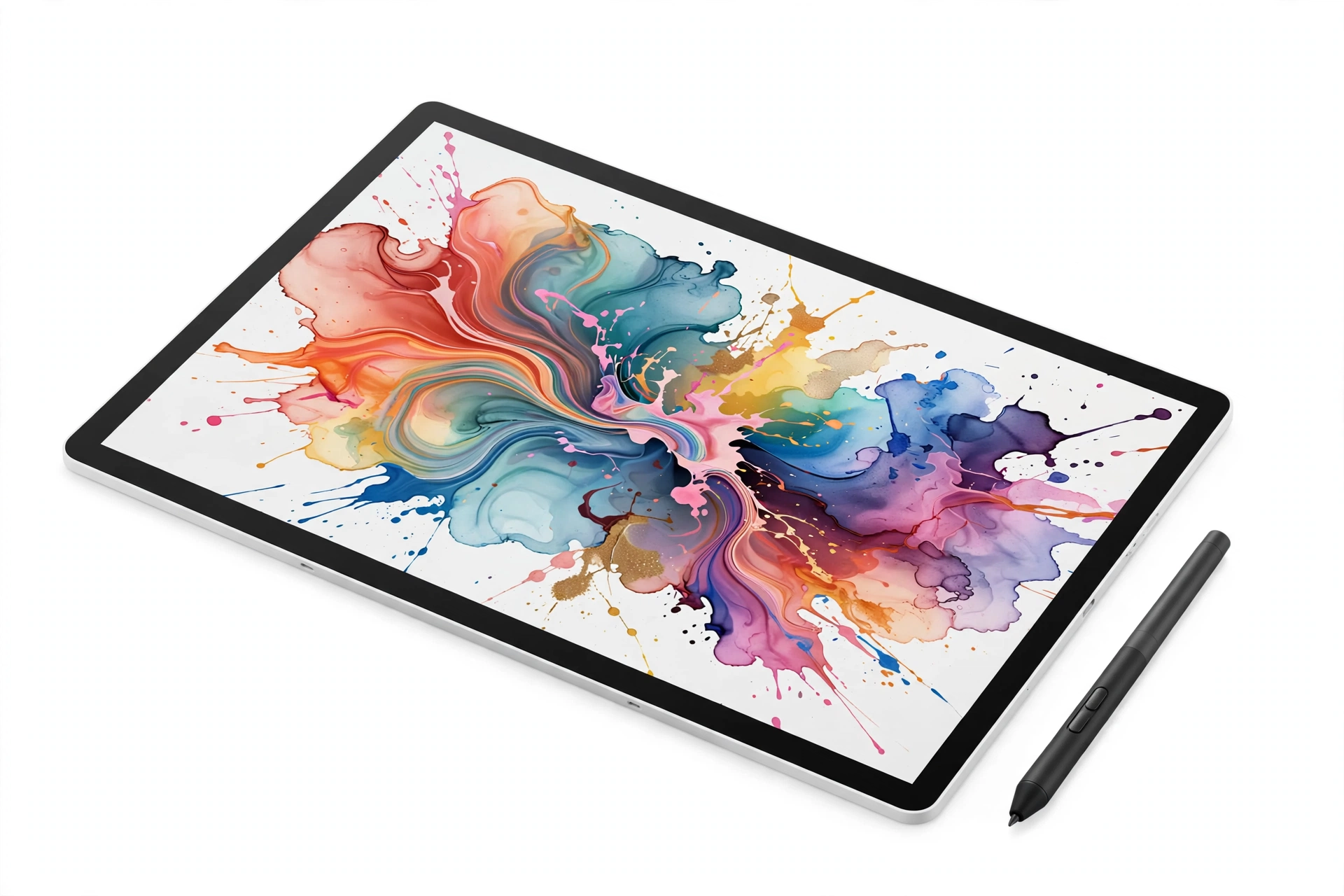
The Wacom MovinkPad Pro 14 is the standout of this countdown because it is not really competing with the other four. Where they are media slates, this is a standalone professional drawing tablet: a 14-inch 3K OLED display (2880×1800, 100% sRGB and DCI-P3 per the listing), the battery-free Pro Pen 3 with 8,192 pressure levels, a Snapdragon 8s Gen 3 chip, 12GB of RAM with 256GB of storage plus microSD expansion, running Android 15. At a listed $1,099.95 with a 4.5/5 rating from 275 reviews, it is the most expensive and the most specialized pick here. One honest caveat: it is a standalone Android device and is not compatible with Windows on ARM or Intel Macs as a pen display.
Key Features
- 14-inch 3K OLED display — 2880×1800 resolution with 100% sRGB and DCI-P3 coverage per the listing: the canvas is the product here, and it shows.
- Pro Pen 3 with 8,192 pressure levels — Battery-free pen with professional-grade pressure sensitivity for drawing, sketching, and note-taking.
- Pro hardware underneath — Snapdragon 8s Gen 3, 12GB RAM, 256GB storage plus microSD, Android 15: specs that match the creative brief rather than a media brief.
Specifications
| Brand | Wacom |
|---|---|
| Model | MovinkPad Pro 14 |
| Display | 14-inch 3K OLED, 2880×1800, 100% sRGB & DCI-P3 (as listed) |
| Pen | Pro Pen 3, 8,192 pressure levels, battery-free (as listed) |
| Processor | Snapdragon 8s Gen 3 (as listed) |
| Memory / Storage | 12GB RAM / 256GB + microSD (as listed) |
| Operating system | Android 15 (as listed) |
| Compatibility note | Standalone Android device; not compatible with Windows on ARM or Intel Macs as a pen display |
| Listed price | $1,099.95 |
| Rating | 4.5/5 from 275 ratings (at roundup time) |
Who Should Buy It?
- Digital artists, illustrators, and designers who draw professionally
- Note-takers and sketchers who want a real pen experience on a large OLED canvas
- Buyers who want a standalone creative device, not a laptop accessory
Who Should Avoid It?
- Skip it if you only stream and browse — the #2–#5 picks are the sensible buys
- It may not make sense if you need a pen display for a Windows ARM or Intel Mac
- Budget buyers: it costs more than the other four tablets combined
Pros & Cons
Pros
- 14-inch 3K OLED display with pro color coverage
- Pro Pen 3 with 8,192 pressure levels, battery-free
- Snapdragon 8s Gen 3 with 12GB RAM and microSD expansion
- 4.5/5 from 275 ratings — a solid track record for a pro device
- Standalone Android device — no computer required
Cons
- $1,099.95 — more than the other four tablets combined
- Overkill for streaming, browsing, and casual use
- Not compatible with Windows on ARM or Intel Macs as a pen display
Listed at $1,099.95 at the time of research. Pricing can change, so check the latest retailer price before buying.
Product Comparison
| Product | Best For | Key Feature | Main Advantage | Main Limitation |
|---|---|---|---|---|
| #5 Ulefone Tab A12 Pro $199.99 | Everyday mid-range use | 16GB listed (8GB + 8GB virtual) | Fair price for everyday jobs | Tiny 13-rating sample; virtual RAM caveat |
| #4 Samsung Galaxy Tab A11+ $299.99 | Safe mainstream buy | Samsung support & updates | Least-risk purchase here | Premium price for everyday jobs |
| #3 TCL TAB 10 Gen 4 $149.98 | Balanced everyday use | Mid-range balance | Sensible middle ground | Nothing standout; thinner support |
| #2 TECLAST P30T $89.98 | Tight budgets | Lowest price on the list | Cheapest credible option | Not a performance tablet |
| #1 Wacom MovinkPad Pro 14 $1,099.95 | Professional drawing | 3K OLED + Pro Pen 3 | The only real creative tool here | Costs more than the other four combined |
Which One Should You Choose?
| Buyer Type | Recommended Product | Why |
|---|---|---|
| Best Overall for Creators | Wacom MovinkPad Pro 14 | 3K OLED canvas and a real pro pen — nothing else here draws like it |
| Best Value | TECLAST P30T | $89.98 for everyday basics is the value story of the list |
| Safest Buy | Samsung Galaxy Tab A11+ | Brand support and updates make it the least-risk purchase |
| Budget Buyer | TECLAST P30T | The cheapest way to credibly own an Android tablet |
| Balanced Buyer | TCL TAB 10 Gen 4 | $149.98 middle ground without brand premium or bottom-tier compromise |
| Mid-Range Buyer | Ulefone Tab A12 Pro | Everyday capability at $199.99 — just note the RAM and sample caveats |
| Artist / Designer | Wacom MovinkPad Pro 14 | The only professional drawing tool on this list |
| Kids / Travel / Kitchen | TECLAST P30T | Cheap enough that bumps and spills do not hurt |
Price & Value
Best value: The TECLAST P30T at $89.98 — nothing else here touches that price for everyday tablet jobs. Worth paying extra for: the Samsung Galaxy Tab A11+ at $299.99, which buys support, updates, and peace of mind rather than raw power. Better budget choice: there isn't one below the TECLAST on this list. Premium choice: the Wacom MovinkPad Pro 14 at $1,099.95 — you are paying for a professional drawing instrument, not a media slate, so only creators should stretch for it. Best value when discounted: watch the Samsung and the Ulefone; either becomes notably more attractive on a sale. Remember: listed prices move frequently, so check the latest retailer price before buying.
Buying Guide: 6 Things to Check Before Buying an Android Tablet
1. Physical RAM vs. virtual RAM. Some listings advertise a combined figure (like the Ulefone's 16GB, which is 8GB physical plus 8GB virtual). Physical RAM is what keeps apps alive; virtual RAM is slower overflow. Read the split before comparing numbers.
2. Match the tablet to the job. Streaming and reading need far less than professional drawing. Buying a $1,100 drawing tablet for video watching wastes money; buying an $89 slate for professional art wastes time.
3. Check the review sample, not just the score. A high score from 13 ratings means far less than a slightly lower score from thousands. Small samples move fast — in both directions.
4. Brand support matters for longevity. Longer software updates and a real service network are worth paying for if you plan to keep the tablet for years.
5. Screen is the product. You look at the display every minute you use a tablet. For artists, color coverage and pen support matter more than processor headlines; for media watchers, size and brightness matter most.
6. Prices change. Every price in this article is a listed figure from research time. Always check the current retailer price — and any coupon — before buying.
Final Verdict
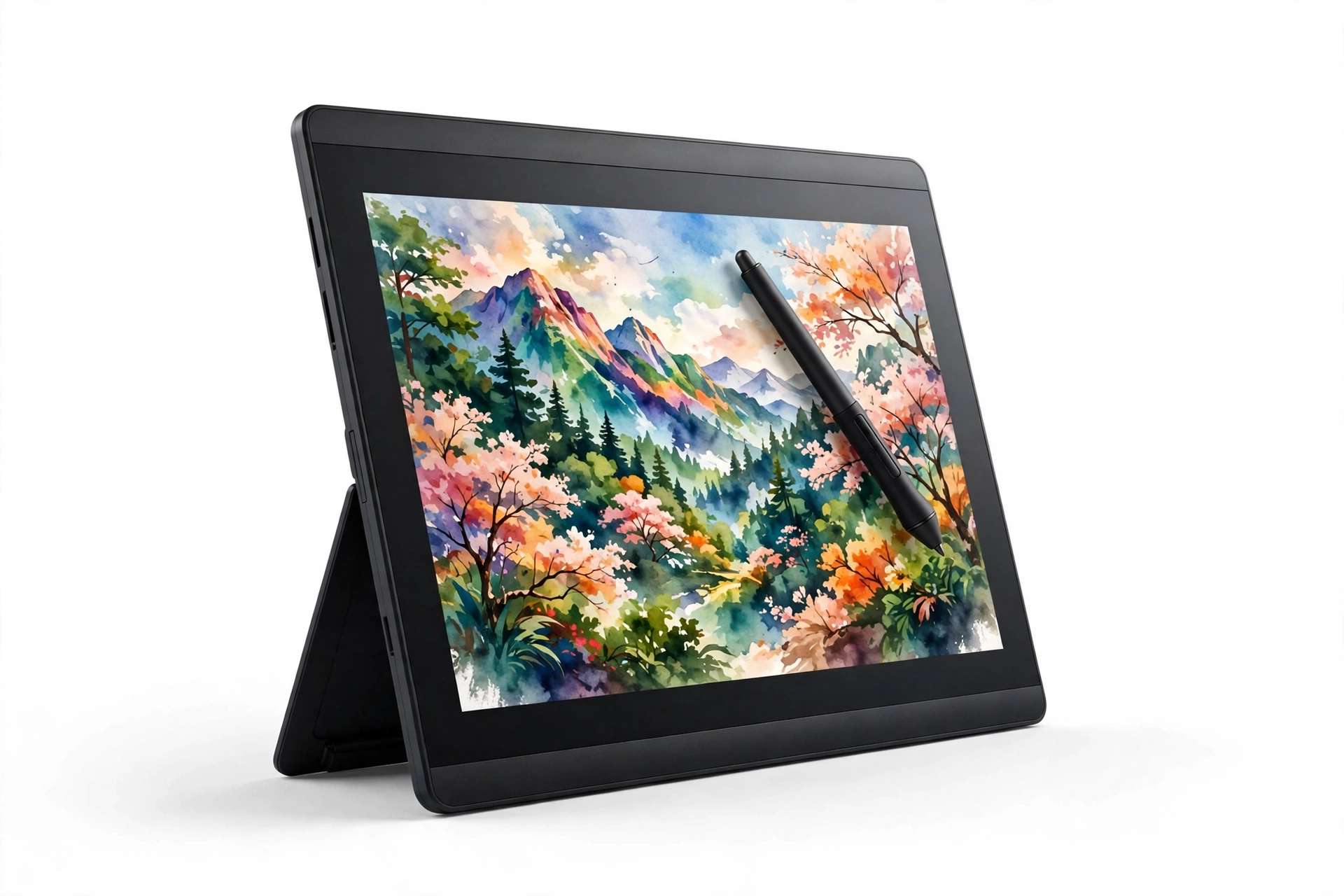
Pick by what you actually do with a tablet, not by the biggest spec number on the page. Most buyers should choose between the TECLAST, the TCL, and the Samsung; only creators should stretch to the Wacom.